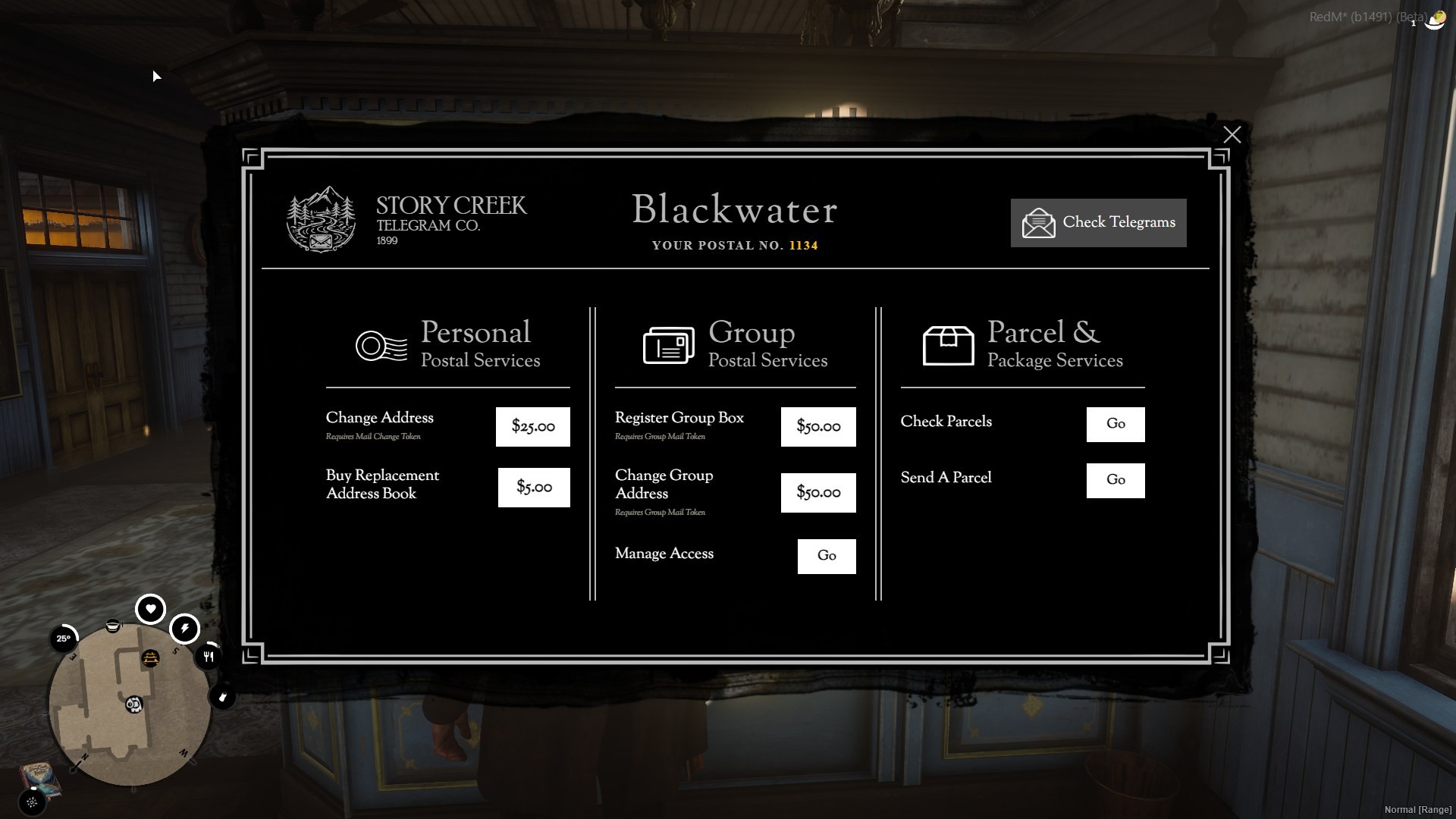
SR Mail service is a full-featured mailing system for RedM supporting a number of configurations and features to support your RP server. Developed and used in live servers by actual players.
Features:
A full-featured mail system for RedM. Players send and receive through physical post office locations, manage personal and group mailboxes, ship parcels, and see unread mail via a persistent HUD icon styled to match Red Dead's general HUD UX.
Mailboxes
- Personal mailboxes: Auto-generated or custom alphanumeric address (e.g. `1042`). Registered at a Post Office for a configurable fee.
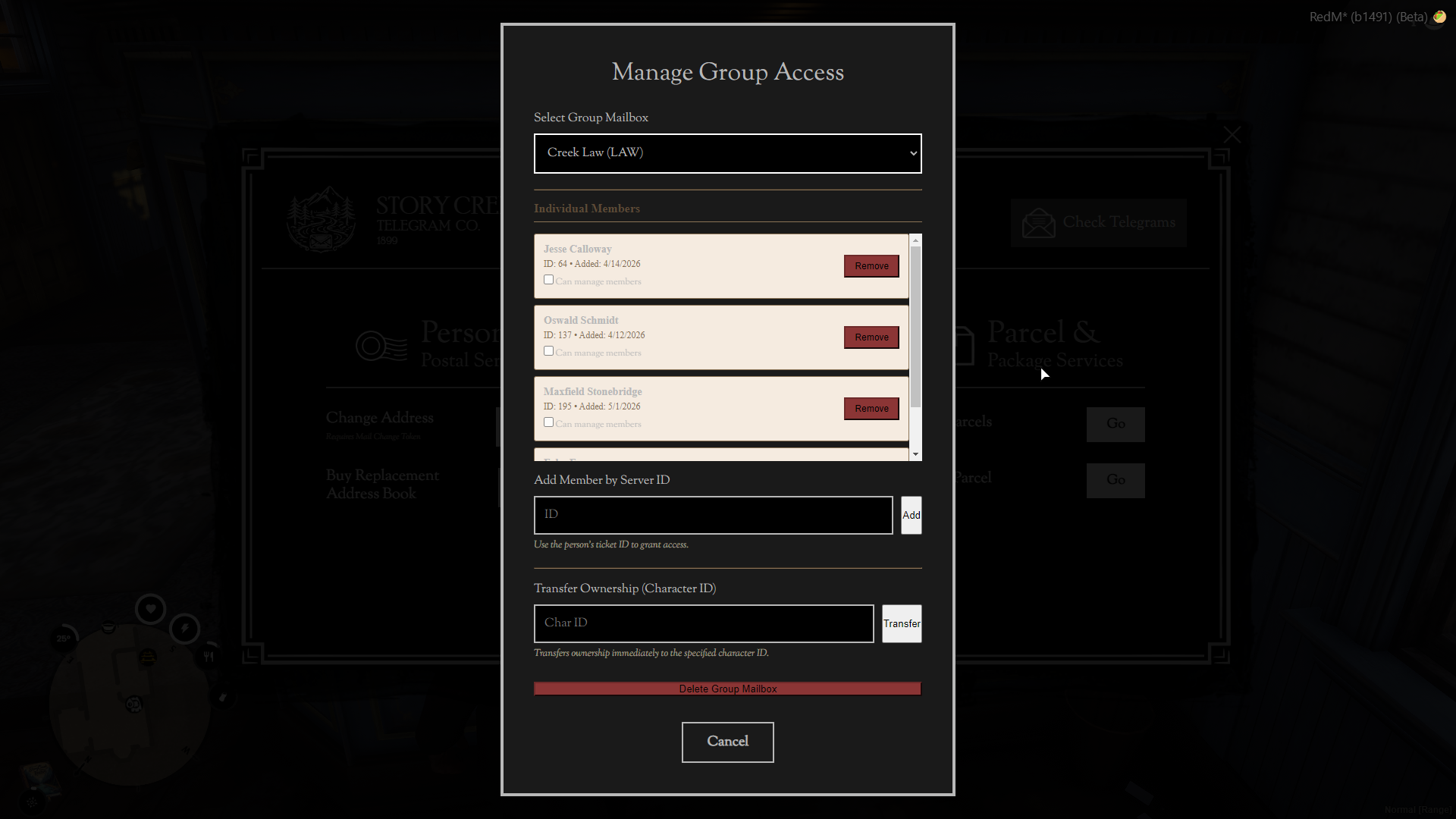
- Group mailboxes: Custom addresses (1–8 alphanumeric characters, e.g. `SHERIFF`, `VS-1001`). Can be job-gated (minimum grade) or open-member. Up to 3 group mailboxes per player (configurable).
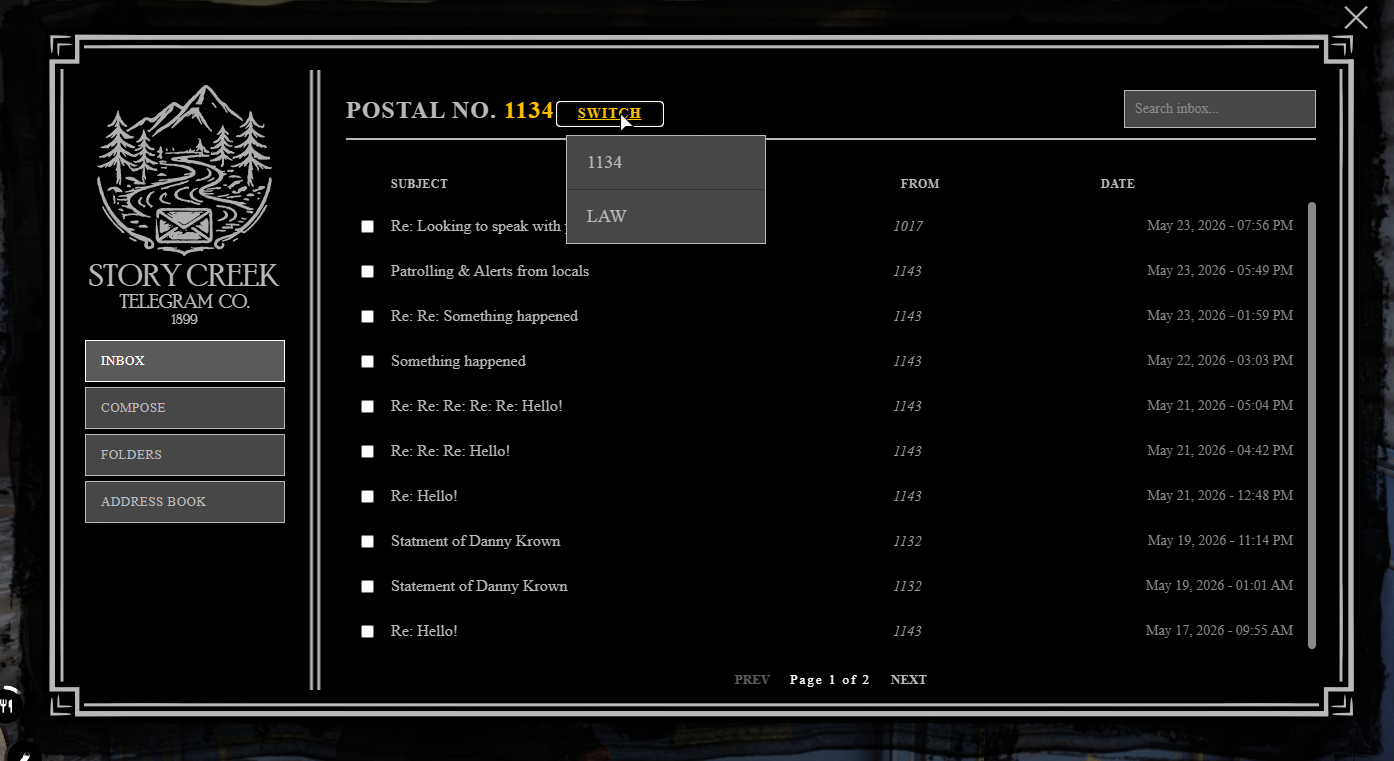
- Multiple mailbox access: Players see and switch between all mailboxes they have access to inside the UI. Unread counts are aggregated across all boxes and shown on the HUD icon.
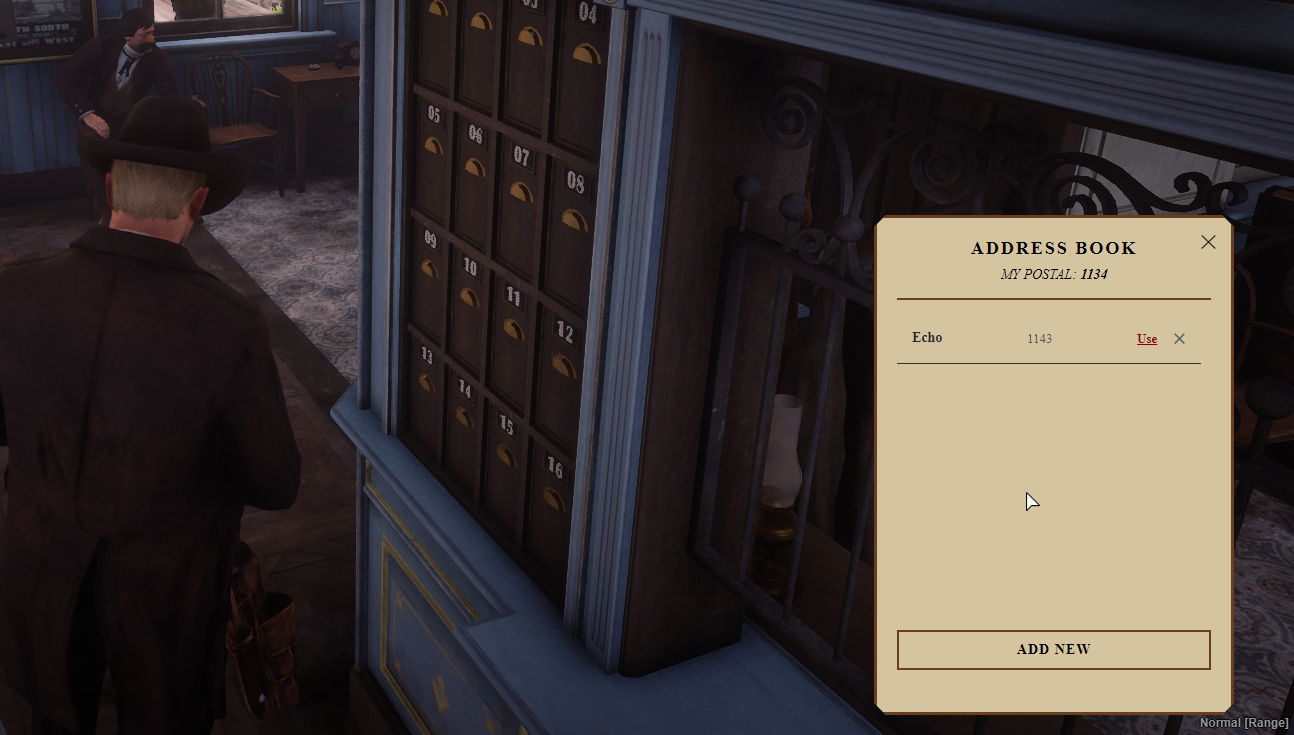
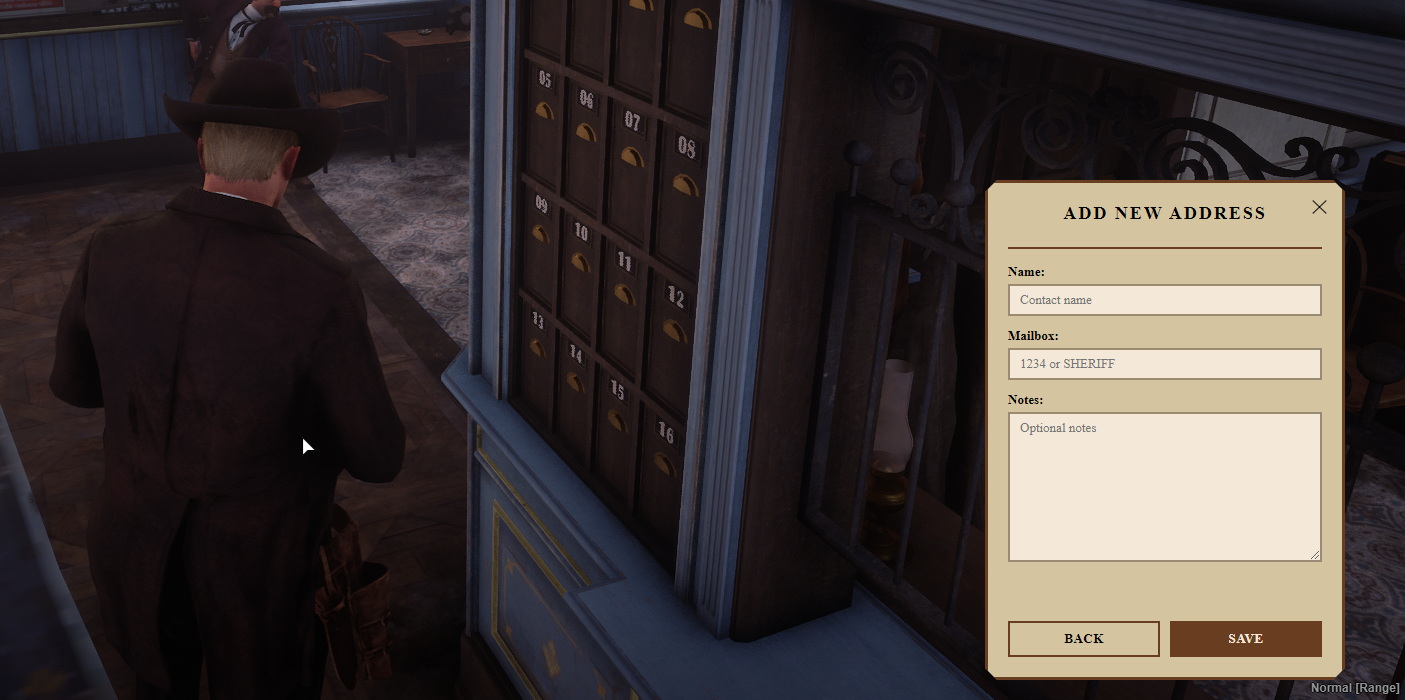
- Address book: Per-character contact list with a configurable maximum. A physical `address_book` item is required to access it; replacement books can be purchased at the Post Office.
Sending Mail
- WYSIWYG compose editor: with DOMPurify sanitisation on the server before storage.
- Stamp system: Optionally require stamps to send mail. Stamps are inventory items purchased at the Post Office.
- Anonymous sending: Players can choose to hide their identity when composing.
- Send-rate limiting: Optional cooldown (seconds) between sends to prevent spam.
- Rich-text body: HTML formatting (To support copy/paste) with a configurable maximum body length (default 4 000 characters).
- Bird animation: Optional pigeon/crow send animation (configurable model, can be disabled for performance) when using the `/mail` anywhere command.
Receiving Mail
- Inbox / folders: Separate inbox and folder views with search, pagination, bulk select, bulk mark-as-read, bulk delete, and permanent delete.
- Reply / Forward: one-click reply and forward from the read view (receive-only mode hides these).
- Real-time new mail notification: recipients online when a letters or parcels arrives are pushed an update immediately.
- Polling fallback: configurable background polling interval (default 60 s) keeps counts fresh even if a push is missed.
Parcel System
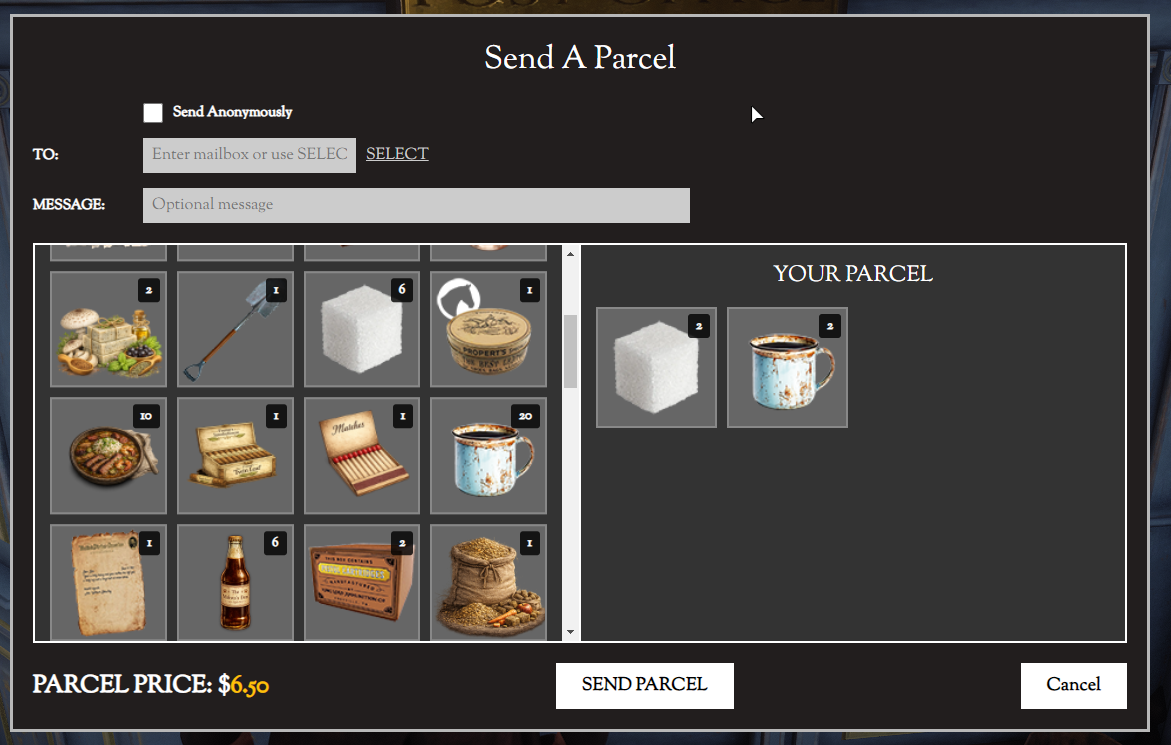
- Send physical inventory items as parcels. Parcel cost = base fee + per-item fee + weight fee.
- Weight-based or slot-based capacity limits (configurable).
- Expiration & auto-return: uncollected parcels return to the sender after a configurable number of days; a configurable return fee applies.
- Parcel collection notification telegram is sent automatically on dispatch.
- Blacklist specific items from being shipped.
Post Office Locations
Five built-in telegraph office locations (Valentine, Saint Denis, Blackwater, Rhodes, Strawberry) with map blips and hold-prompt interaction.
Per-office service flags: `personal_service`, `group_service`, `parcel_service`, `receive_only`.
World mailbox prop detection: Any placed prop matching a configurable list of model names (e.g. `k_m_mailbox_02`) shows a receive-only "Check for mail" prompt within range. Works with housing/placement systems automatically.
HUD Notification Icon
- Persistent circle icon (black background, configurable ring, and envelope colour) in the corner of the screen. Shows a red badge with the total unread count across all mailboxes. Hidden when unread count is zero; appears/updates in real-time.
Admin Tools:
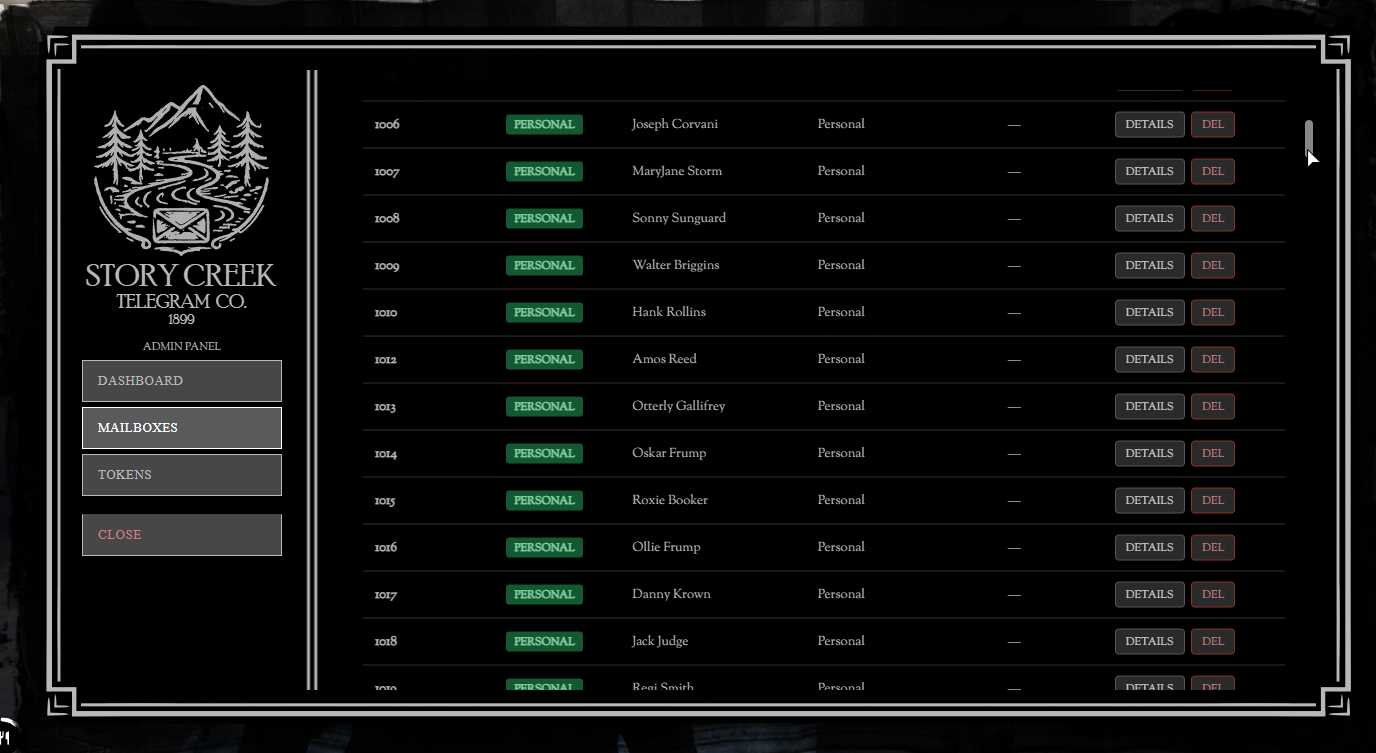
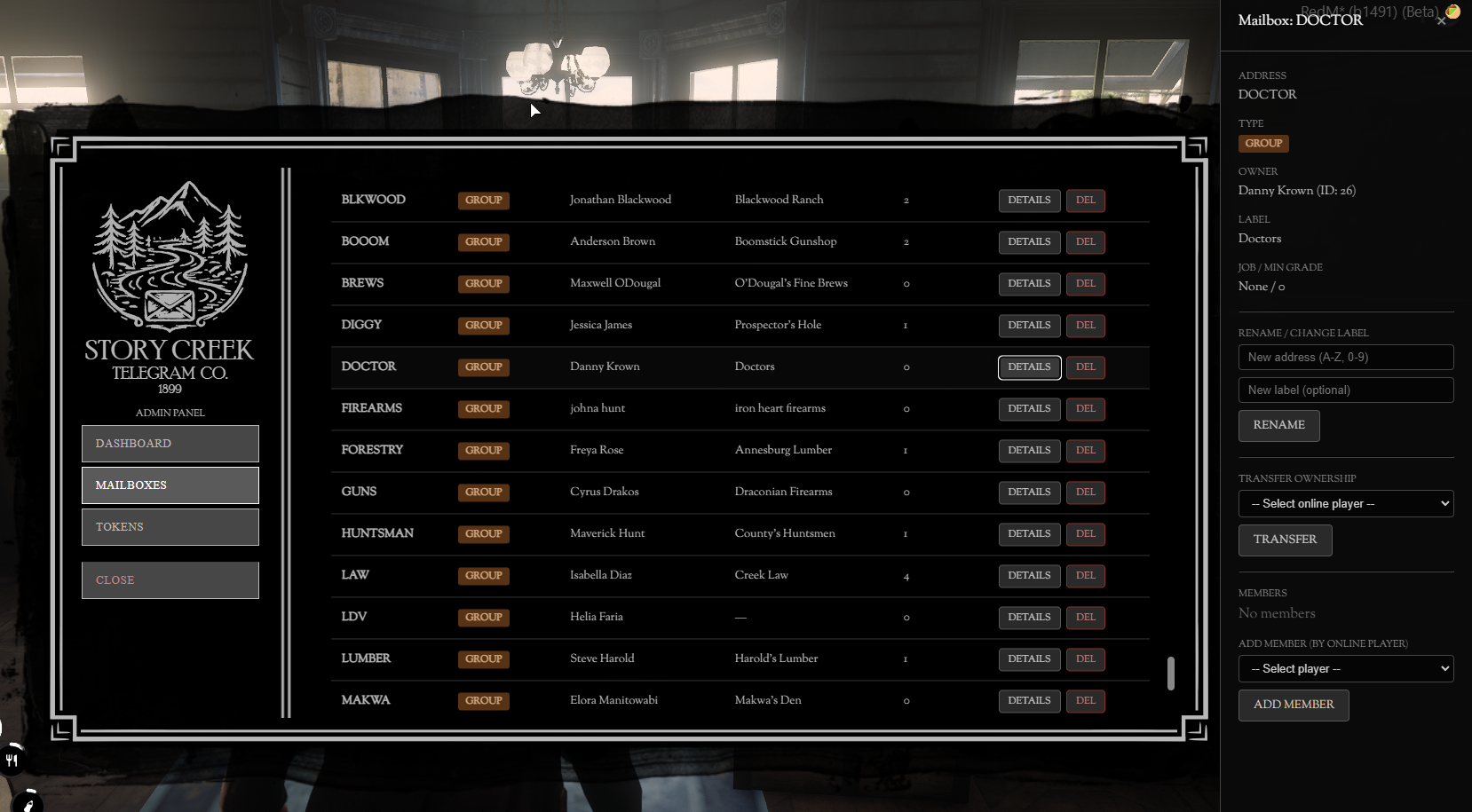
- Admin tools gated behind ACE permissions that allow for in game management of mail service.
- Command line tools for granting tokens. Useful for upselling.